Jeff Su
Top 5 Claude Cowork Tips I Wish I Knew from Day One
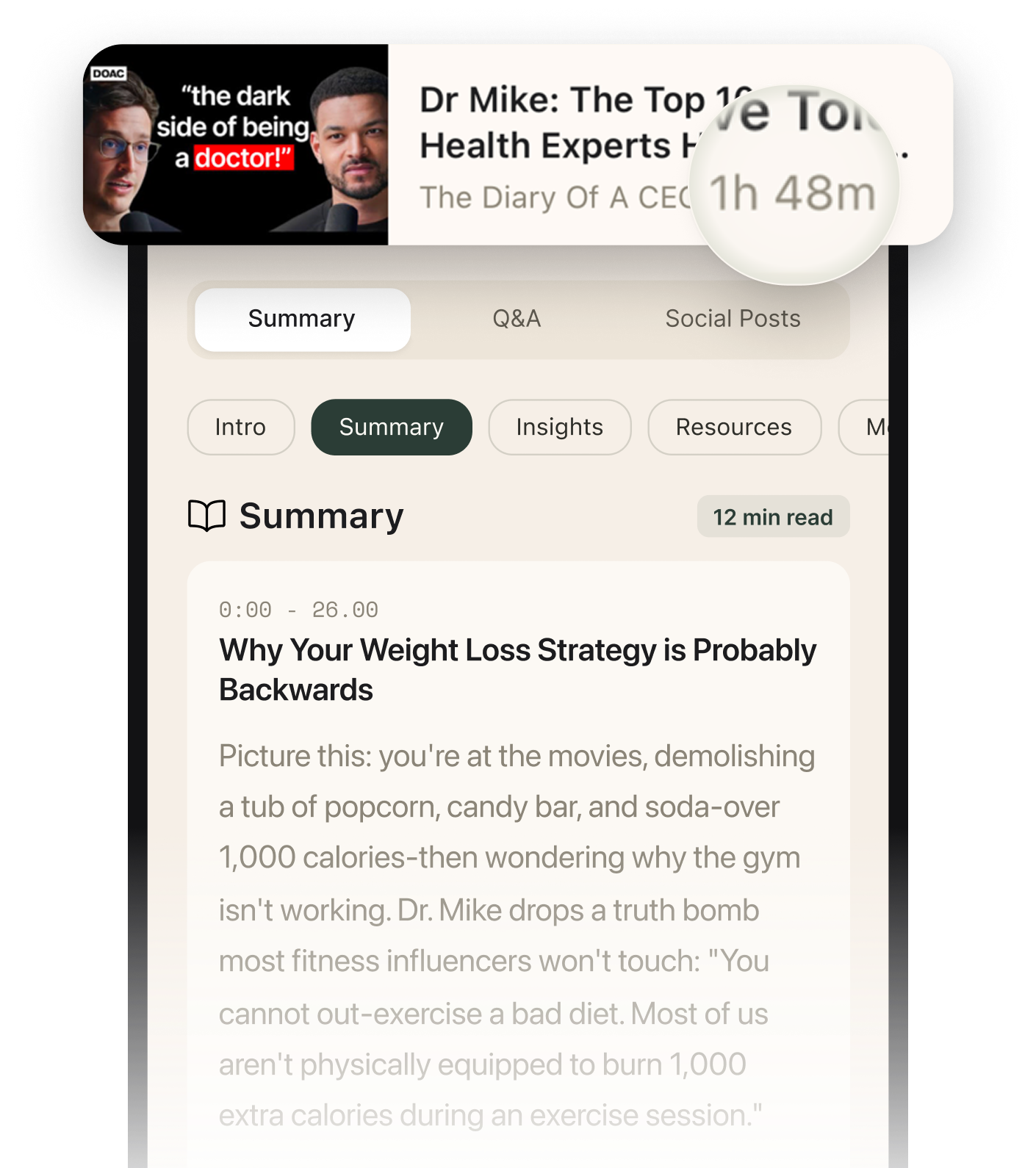
Summarised with Bite · 11 min read
After five months of daily Cowork use and racking up serious token costs, this creator shares the five foundational setup mistakes most people make—and how fixing them cut token usage by 25% while making the workspace actually usable. If you're fighting with .md files or watching your memory bloat, these tactics will save you hours and dollars.
0:00 – 2:33
The Markdown Translation Layer: Making .md Files Human-Readable
Opening a Cowork instruction file shouldn't feel like deciphering raw code. The creator jokes that every time you open a .md file in its native state, it costs 20 tokens—but the real cost is the headache. Raw markdown is ugly, hard to scan, and annoying to edit. The fix is simple: install Obsidian (a free app), point it at your Cowork workspace folder, and suddenly every .md file renders with proper headings, bold text, and bullet points. You're not learning a new tool—Obsidian is just a lens. Want to change a preference in your claw.md file? Open it in Obsidian, make the edit (like replacing a bullet point with "always make inappropriate jokes"), close the file, and reopen Cowork. The changes are already there. Three pro tips elevate this further. First, hit Command or Control + to zoom in for easier reading. Second, click the reading mode icon to lock the page so you don't accidentally edit. Third, enable "show all file types" in Obsidian's settings so you can see spreadsheets, PDFs, and images in the sidebar—turning Obsidian into a single view for your entire workspace, not just markdown files.
4 more sections in the app
- 2:33 – 7:37The 300-Line Rule: Keep Your Root Claw.md Lean or Pay the Price
- 7:37 – 11:45The Memory Diet: Keep Memory.md Under 150 Lines or Watch Token Costs Explode
- 11:45 – 16:07The Project Transplant: Why Claude Projects Should Live in Cowork
- 16:07 – 17:42The Skill Check: When to Build a Workstation vs. a Skill
Summarised by Bite, an AI YouTube video summarizer that also works as a podcast summarizer.