Greg Isenberg
Making $$$ with Grok Bot
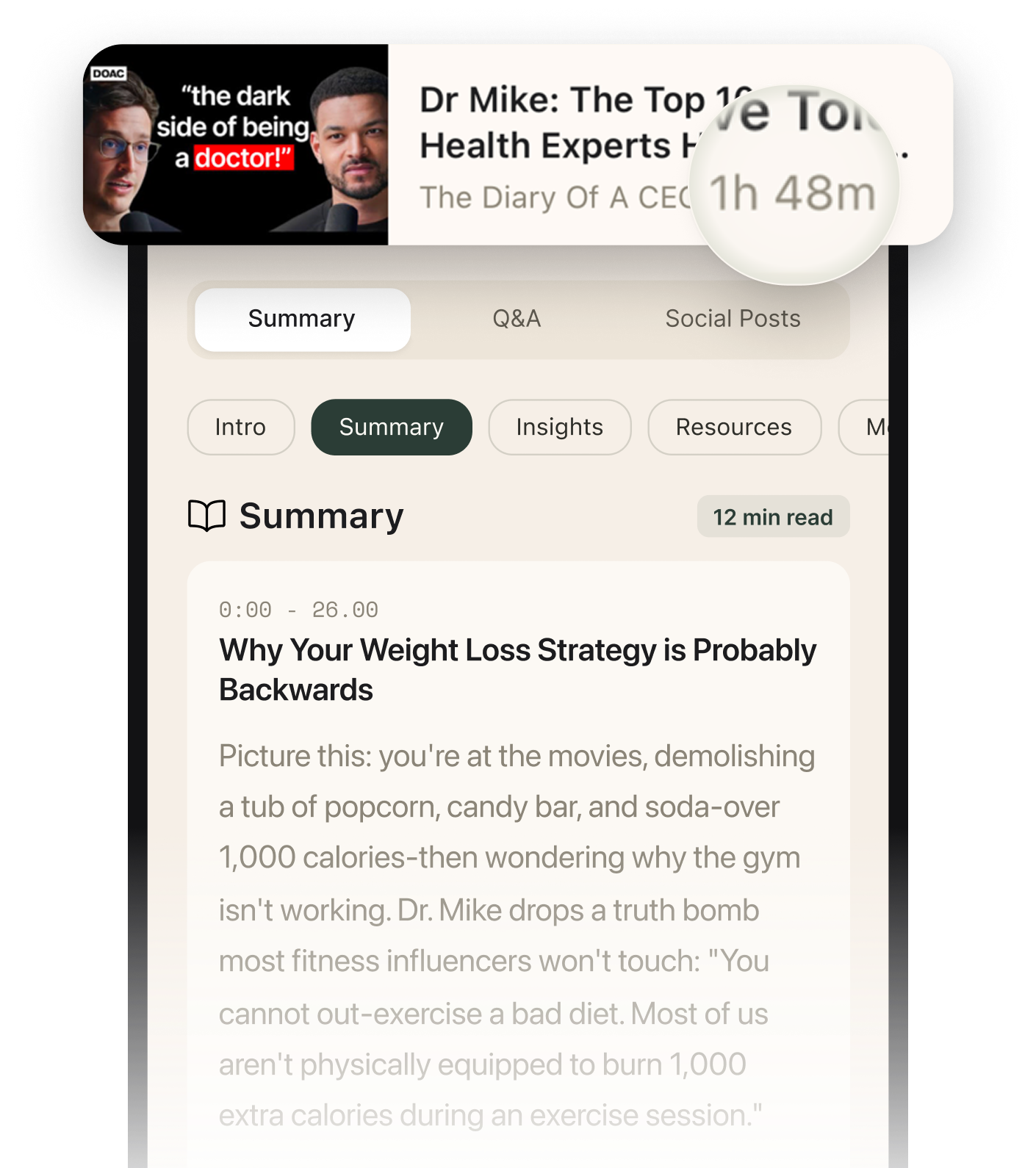
Summarised with Bite · 12 min read
This is a practical walkthrough of how Billy Howell uses Grok Bot to run a real local newsletter business, and why he thinks most people are using the tool wrong. The core lesson is surprisingly simple: do not build a zoo of agents, pick one business, start with a chief of staff, and make the tool earn back its $200 to $300 monthly cost through newsletters, outbound sales, Shopify research, or directories.
0:00 – 11:25
Why Grok Bot works better when you do less
The video opens with a blunt promise: this is not about futuristic demos, it is about getting AI agents to run a business that makes real money. Billy Howell immediately grounds that claim in a concrete story. He runs a local newsletter called the Arlington Bagel that goes to 6,000 Arlington readers every Thursday, and he jokes that he had to "let cousin Marshall go" because Grok Bot was better at the work. The punchline is funny, but the business point is serious: this is not a toy agent setup, it replaced a real workflow that used to belong to a real person. From there, Billy makes an unexpected argument. The best thing about Grok Bot is not raw intelligence, it is constraint. He says the tool forces you into a "one thread, one bot" mindset, more like DMing a teammate than juggling endless gray chat threads in ChatGPT or Claude. Even the colored shapes for agent avatars matter, because they lower switching costs and help your brain remember who does what. That sounds almost too small to matter, until he connects it to the bigger problem: most AI users create too many threads, too many agents, and too many half-finished systems. Grok Bot is useful because it pushes against that tendency. Then comes the rule that drives the rest of the episode: pick one project. Billy warns that if you try to run four businesses at once, manage your Twitter, and sort receipts in Gmail, you will burn tokens, bloat context, and make all your agents worse. He explains that the agents run in the cloud on a shared virtual machine, so stuffing one workspace with unrelated jobs creates the same kind of chaos you would get in an office where everyone is sharing the same desk. His setup advice is very specific. Start with a chief of staff. If you already have a business, let that agent audit the business docs, Slack, Gmail, and Notion, then ask it for the top three agents needed to drive revenue. In his case, that produced a research agent for newsletter items, a sales function, and a Beehive expert because the business depends on that platform. The deeper lesson is that specialized agents should come after operational clarity, not before it. Billy keeps returning to one anti-pattern: letting agents make decisions that only the founder should make. He gives a vivid example of wasting three weeks on where newsletter content should live, Notion, local files, or Google Sheets, until he finally stepped in and said, "we're doing notion. No more tinkering." That moment captures his whole philosophy. AI can help run the ball, but it should not decide what game you are playing.
2 more sections in the app
- 11:25 – 28:52How the newsletter team actually runs, from routines to sponsor sales
- 28:52 – 44:01The business ideas that can actually pay for the tool
Summarised by Bite, an AI YouTube video summarizer that also works as a podcast summarizer.