Ferdy․com | Ferdy Korpershoek
How to Actually Use Claude Design Like a Pro | Claude Design Tutorial
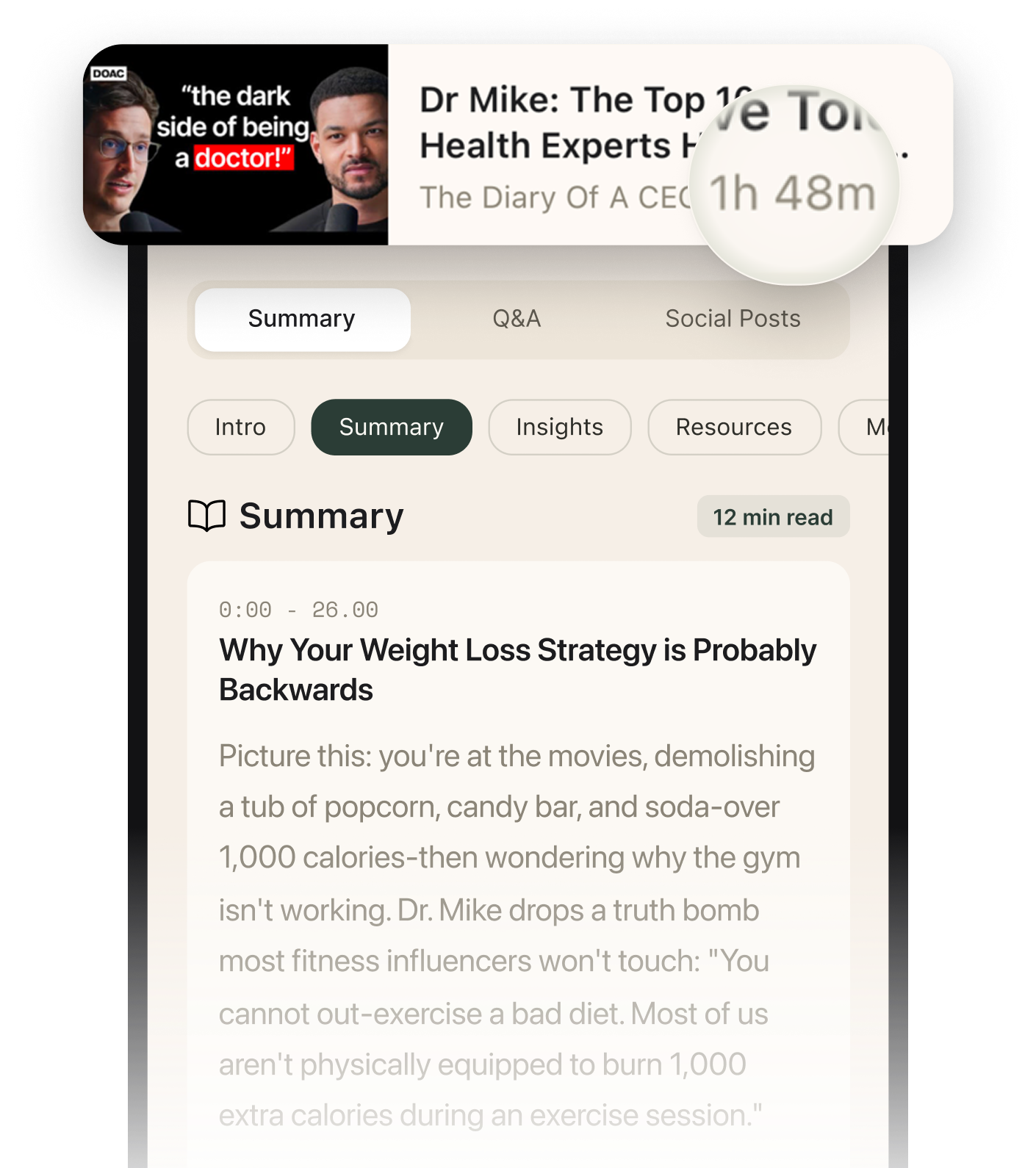
Summarised with Bite · 12 min read
Ferdi shows a full end-to-end workflow for turning Claude Design into a real business website, not just a pretty mockup. The useful part is that he goes past design generation and covers the hard practical pieces people usually get stuck on: consistent styling, image generation, form handling with PHP and SMTP, hosting, domain setup, email inbox delivery, performance optimization, and Google Analytics.
0:00 – 6:18
From empty account to a reusable design system
The video opens with a bold promise: websites like the examples on screen, built in under an hour, without hiring a designer or writing code. Ferdi starts at the very beginning, creating a Claude account, choosing a paid plan, and immediately making one tiny but telling adjustment, switching the interface to dark mode. It sounds cosmetic, but it signals his larger approach: make the environment comfortable first, because this workflow involves a lot of iteration. Then he moves into the real foundation, the design system. This is the unexpected angle of the tutorial. Most people would jump straight into "make me a website," but Ferdi argues that if you want multiple pages to feel like they belong together, you need a style brain before you need page content. Inside Claude Design, he creates a design system called "Web Divine Design System" and explains that you can write the style instructions yourself, or borrow from a structured source like getdesign.md. He scrolls through examples inspired by brands like Airbnb, Apple, BMW, Bugatti, and Dell, showing that these are not vague mood boards but detailed systems with colors, typography, rounded corners, and interaction states. He chooses a style he likes for a web design agency, copies the generated design system text, pastes it into Claude, and lets the system generate. Claude estimates about 5 minutes, but his actual result takes around 12 to 15 minutes. That delay matters, because it sets realistic expectations. What appears at first looks like a website, which could confuse a beginner, but Ferdi closes it and reveals the actual design system: fundamentals, visual foundations, colors, vibe, motion states, and iconography. In other words, the output is not the house, it is the blueprint. He then publishes the design system and marks it as default, so every future prototype starts with the same visual DNA. That simple move is what makes the rest of the process scalable. Instead of redesigning every page from scratch, Claude now carries the same style "in the back of its head," as he puts it.
3 more sections in the app
- 6:18 – 17:25Prompting Claude like a creative director, then reshaping the result visually
- 17:25 – 30:23The leap from prototype to real website, where forms, hosting, and email either work or fail
- 30:23 – 42:05Making it look award-winning, then making it fast, measurable, and nicer to receive
Summarised by Bite, an AI YouTube video summarizer that also works as a podcast summarizer.