Greg Isenberg
How AI agents & Claude skills work (Clearly Explained)
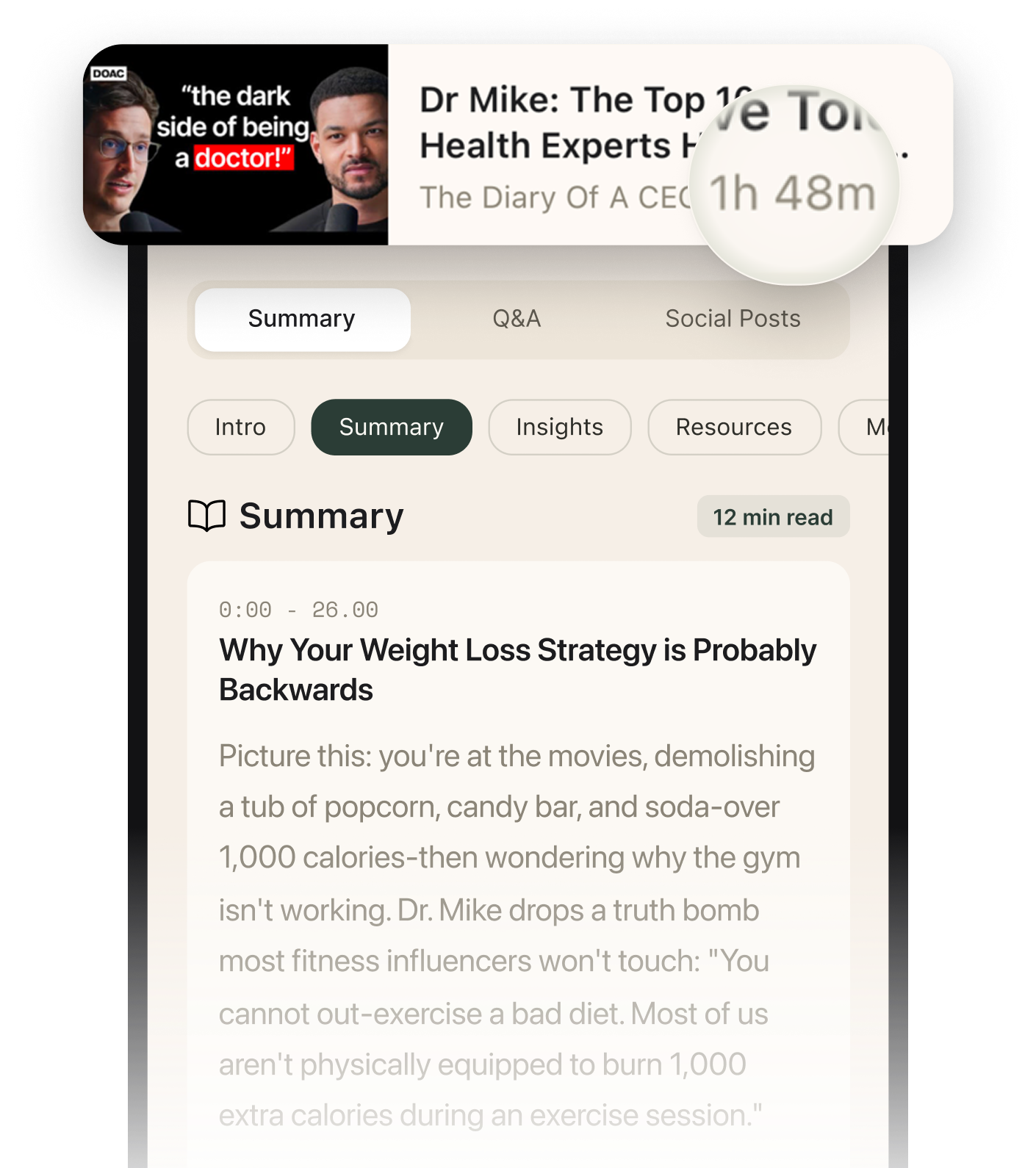
Summarised with Bite · 9 min read
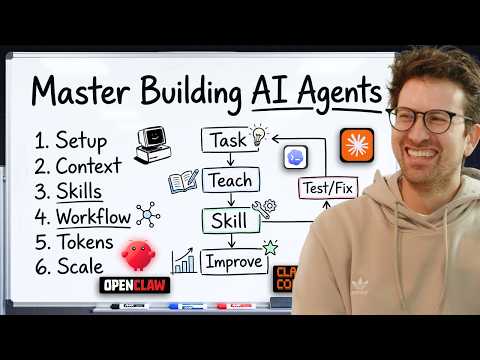
This episode argues that AI agents are already powerful enough to do real work, but most people are using them badly. Ross Mike’s main claim is simple: stop stuffing agents with giant instruction files, start teaching them your workflow step by step, then turn successful runs into skills that load only when needed.
0:00 – 6:42
Why giant prompt files are usually a waste, and why skills matter more
Right out of the gate, Ross throws out the comforting excuse that the models are the problem. He says the opposite. “The models are exceptionally good.” He names Opus 4.6 and GPT 5.4 as examples and says we have reached a point where the raw model is not the main bottleneck. The real issue is context, meaning the information assembled around the model so it can act. That is the first surprising turn of the episode: if your results are sloppy, the model may not be dumb, your setup may be. He breaks the context window into layers. There is the system prompt from the model provider, then optional files like agent.md or claude.md, then skills, then tools, then the codebase or working materials, then the user conversation. His biggest contrarian point is that “95% of people don’t need” an agent.md file. His reason is practical, not ideological. If the codebase already shows that a project uses React, telling the model “this code base uses React” is like reminding a podcaster to bring a microphone. It is already obvious from the surroundings. The cost of getting this wrong is not just money, though he mentions tokens directly. It is also performance. A thousand-line agent file might add about 7,000 tokens on every turn. A skill works differently. Only the skill’s name and description sit in context by default. The rest stays out of the window until the agent recognizes it needs that specific skill. Ross calls this progressive disclosure. His concrete example is a Notion report skill. The agent sees the title and short description, realizes the task matches, then opens the full instructions only when needed. That difference completely changes how he thinks about setup. Instead of one bloated master file that clutters every conversation, he prefers many targeted skills that wake up at the right moment. He is blunt about it: most people are over-indexing on harnesses and giant context files when they should be trusting the models more and being much more selective about what gets injected every single turn.
2 more sections in the app
- 6:42 – 16:38The sponsor-email story, and the real way to build a skill
- 16:38 – 35:15Recursive skill-building, context limits, and the case for less is more
Summarised by Bite, an AI YouTube video summarizer that also works as a podcast summarizer.