Kevin Stratvert
Claude Cowork Tutorial for Beginners (Chatbot → AI Employee)
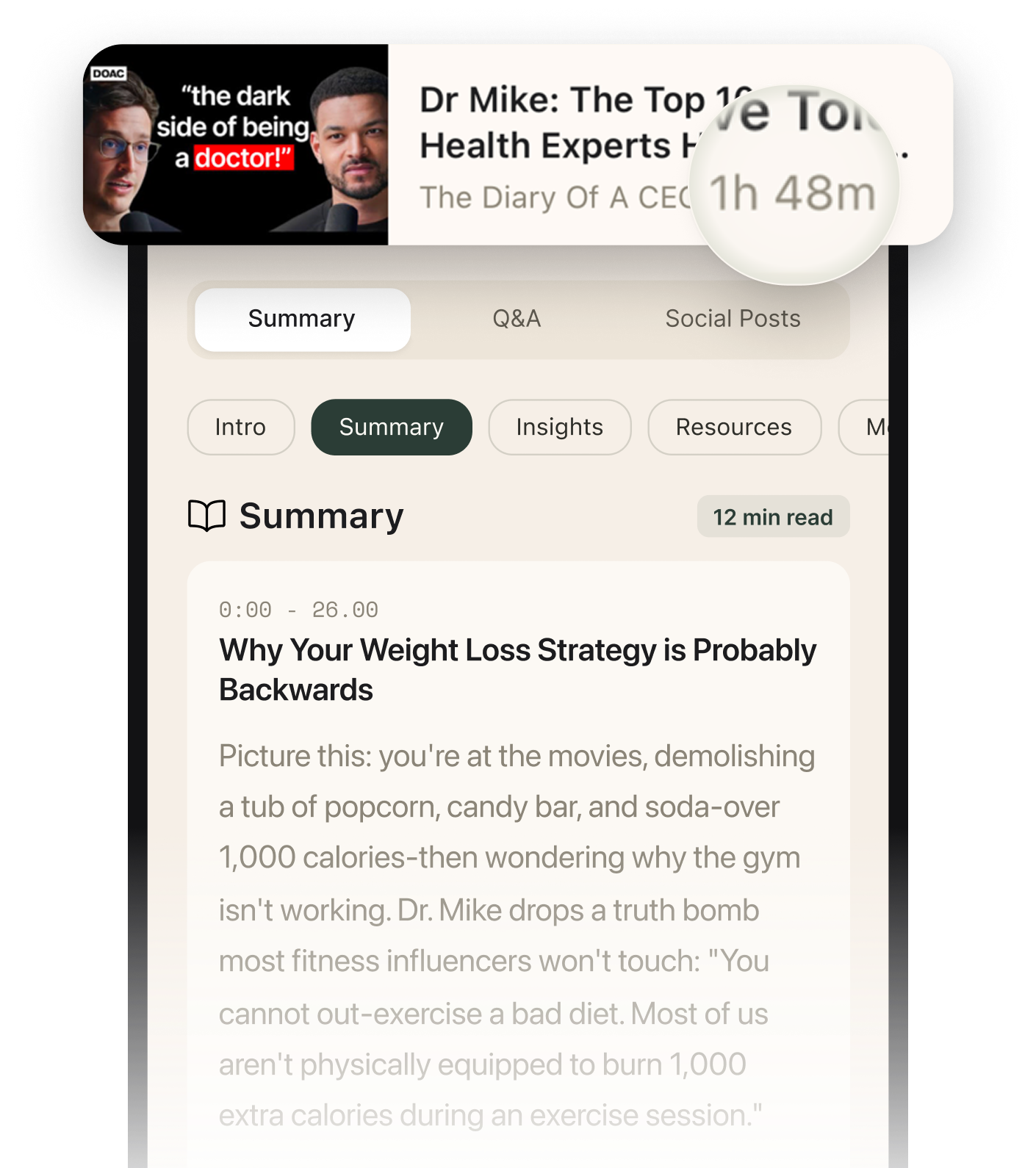
Summarised with Bite · 8 min read
Claude Cowork transforms AI from a chatbot into an automated employee that works directly with your files and browser. Instead of uploading documents repeatedly, you point it at a folder—it reads everything, learns from patterns, executes multi-step workflows, and even creates reusable 'skills' so you never write the same prompt twice.
0:00 – 4:54
The Folder Advantage: Why 20 Files Isn't Enough
Imagine you're drafting a catering contract. You've got deal notes, a template, and a folder of 50 past contracts. In Classic Claude Chat, you'd upload your notes and template, get a decent draft back, then realize you forgot to include the outdoor event rules from Contract #37. To fix it, you'd download the draft, re-upload it along with Contract #37, and start over. Chat caps you at 20 file attachments per conversation. Cowork flips this. You point it at your contracts folder once—it sees all 50 files. When you ask for a new catering contract, you can tell it: 'Pull terms from similar deals and flag anything relevant.' It scans the folder, finds that outdoor events require insulated cooler boxes (from one contract), notices the coffee station setup (from another), and adds complimentary donut holes for 100+ guest events (from a third). The new contract arrives pre-populated with institutional knowledge you didn't manually copy-paste. Every contract you create stays in that folder, so the AI gets smarter with each deal. The tutorial demonstrates this with a bakery catering scenario—Claude autonomously identified three rules from past contracts and embedded them into the new one, including a detail about donut holes tied to guest count thresholds.
3 more sections in the app
- 4:54 – 7:37Browser Automation: The QuickBooks Test Case
- 7:37 – 10:14Multi-Step Workflows: Building a Presentation the Smart Way
- 10:14 – 14:30Data Dashboards That Remember: The Monthly Report Problem
Summarised by Bite, an AI YouTube video summarizer that also works as a podcast summarizer.