Kevin Stratvert
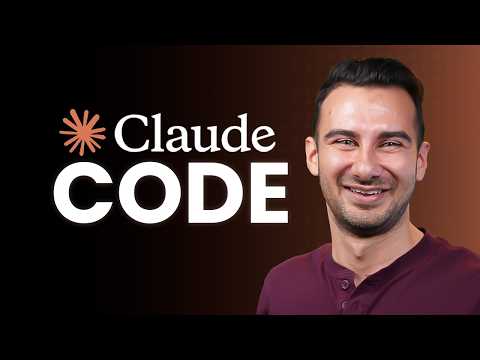
Claude Code Tutorial for Beginners
Summarised with Bite · 6 min read
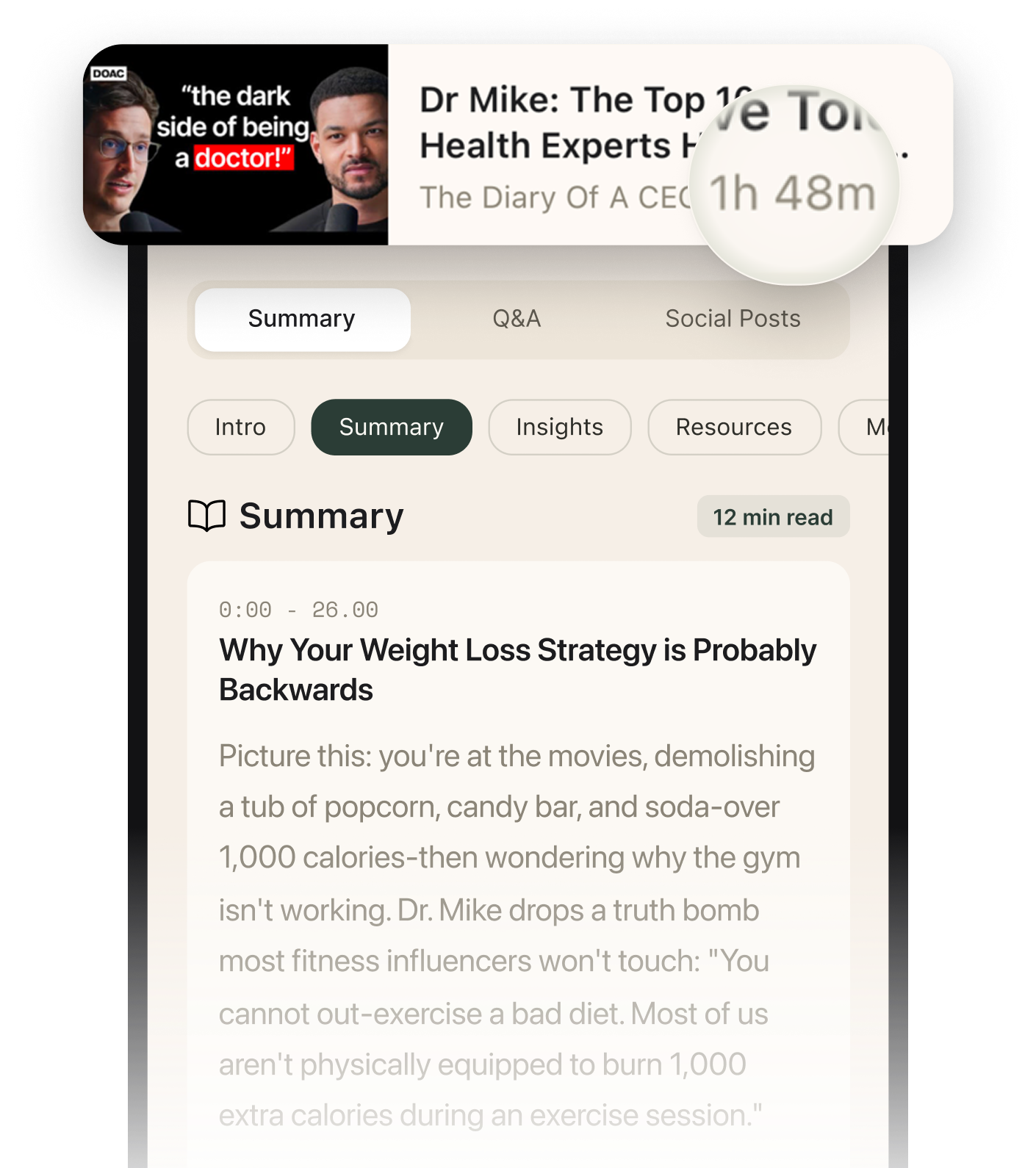
This tutorial reveals how Claude Code transforms app development by treating AI like a senior engineer you're pair-programming with. Instead of writing code by hand, you learn to guide Claude through three real scenarios: building a complete chore management app from scratch, fixing bugs in existing code, and implementing major architecture changes—all while maintaining control through strategic prompting and code review.
2:15 – 5:59
The Power of Asking Questions Before Writing Code
When the tutorial begins building a chore management app, the first instinct is to write something vague: 'Make a chore app to manage chores at the office.' But this approach misses crucial details about tech stack, storage solutions, and architecture. Instead, the video demonstrates a counterintuitive move: list your high-priority requirements as bullets, then explicitly tell Claude to 'ask me questions to clarify requirements, engineering principles, hard constraints, etc.' This triggers Plan Mode—a state where Claude never writes code automatically but instead acts like a fellow senior engineer mapping out the work. Claude responds with specific questions: React or another framework? Local storage or database? Authentication needed? The conversation unfolds like a real planning session. After choosing React and local storage, Claude generates a complete implementation plan including data models, project structure, and step-by-step execution. But here's where control matters: when reviewing the plan, the presenter notices Claude chose JavaScript instead of TypeScript. Rather than accepting it, he selects 'make changes' and firmly states: 'use TypeScript instead of JavaScript.' Notice the tone—not overly polite, not aggressive. Just clear, firm, and specific, like talking to an engineer you respect. Claude regenerates the entire plan with .ts and .tsx file extensions. This back-and-forth before any code gets written prevents hours of refactoring later.
2 more sections in the app
- 8:10 – 11:31The Claude.md File: Teaching AI Your Coding Standards
- 12:04 – 14:17YOLO Mode and the Real-Time Sync Challenge
Summarised by Bite, an AI YouTube video summarizer that also works as a podcast summarizer.