![Claude Code for Beginners Tutorial [Full Course]](https://img.youtube.com/vi/gh2_PhgZGsM/hqdefault.jpg)
freeCodeCamp.org
Claude Code for Beginners Tutorial [Full Course]
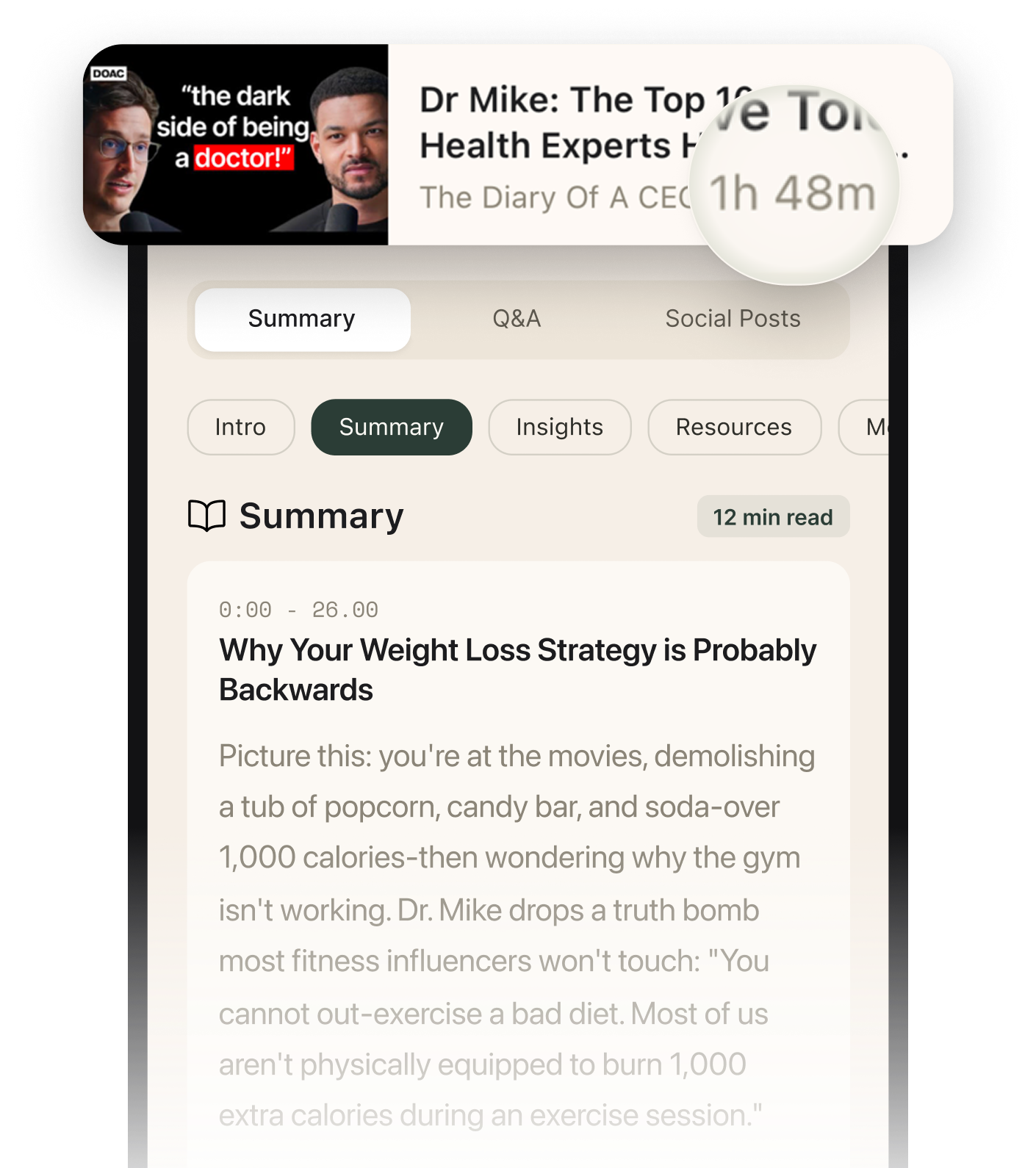
Summarised with Bite · 21 min read
This comprehensive course takes you from installing Claude Code to building production-ready applications with AI-assisted development. You'll learn to leverage Claude's autonomous capabilities for scaffolding projects, enforcing testing standards, conducting architectural reviews, and performing security audits—all while understanding when to trust AI and when to apply human oversight.
0:00 – 18:29
Getting Started: Installation and Your First Session
Claude Code isn't just another code completion tool—it's an npm application that transforms your terminal into an AI-powered development partner. Installation takes minutes: `npm install -g @anthropic-ai/claude-code`. But here's where it gets interesting. On Ubuntu EC2 instances, that standard command might throw permission errors, forcing you down a rabbit hole of chmod commands. The solution? Use the native installer: `curl -fsSL https://claude.ai/install.sh | bash`. This manual approach bypasses npm's permission dance entirely. Your first session reveals Claude's thinking process through to-do lists. When you ask it to create a Python script that reads a CSV file, Claude doesn't just dump code—it plans: "analyze requirements, create virtual environment, write reader function, handle exceptions." Each step gets a checkbox. This transparency matters because it lets you interrupt bad assumptions early. If Claude decides to use pandas for a simple task, you can course-correct before it generates hundreds of lines. The `/init` command creates a claude.md file—think of it as Claude's memory for your project. It analyzes your folder structure, identifies the tech stack, and documents setup instructions. This file becomes Claude's context anchor. Every time you start a new session, Claude reads this first, preventing the "what is this project again?" confusion that plagues other AI tools. For a Flask app, it might note: "This is a member data processor. Uses Python 3.12. Activate with `source venv/bin/activate`. Run with `python app.py`." Simple, but powerful when you return after a week away.
9 more sections in the app
- 37:25 – 58:26From Vibe Coding to Production: The METAR Weather Reader
- 1:06:16 – 1:20:09Autonomous Building: The Express Authentication System
- 1:20:09 – 2:04:29Managing Long Sessions: Context Limits and Recovery Strategies
- 2:04:29 – 2:22:29Effective Prompting: Context-Action-Details-Examples (CADE)
- 2:22:29 – 2:34:11Multifile Project Navigation and Targeted Changes
- 2:57:21 – 3:50:53Software Quality Audits: Architecture, Design Patterns, SOLID Principles
- 3:50:53 – 4:47:47Error Handling and Resilience Audits: Finding Production Landmines
- 4:47:47 – 5:23:03Code Complexity and Duplication: Refactoring for Humans and Machines
- 5:23:03 – 5:51:35Security Reviews: The Final Gate Before Production
Summarised by Bite, an AI YouTube video summarizer that also works as a podcast summarizer.