SonduckFilm
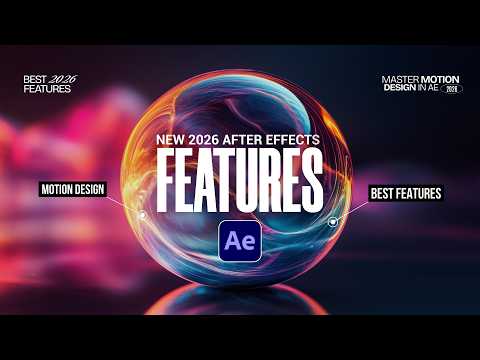
All the New After Effects Features in 2026 So Far
Summarised with Bite · 6 min read
Adobe After Effects unleashed over a dozen major updates in early 2026, transforming how motion designers work with text, masks, 3D, and everyday workflows. These aren't minor tweaks — they're time-saving tools that eliminate tedious manual work and open creative doors that used to require third-party plugins.
0:00 – 0:32
Variable Fonts and the End of Font-Swapping Hell
Picture this: you're animating a title card, and you need the word to go from thin to bold. In the old world, you'd swap between eight different font files, timing each transition frame by frame. Now, After Effects supports variable fonts, which means you get a single slider controlling weight, width, or slant in real time. To use it, you pull a variable-formatted font from Adobe's library (search "variable fonts"). Once applied, you can animate the weight parameter directly in the Text Animator. The trick: keyframe the Range Selector's start value to create smooth text transitions. One font file, infinite weights, no more hunting through your font menu mid-project.
5 more sections in the app
- 0:32 – 2:13Mask Tracking and Object Matte: Rotoscoping Without the Pain
- 2:13 – 3:05Real 3D Gets Depth of Field and Substance Displacement
- 3:05 – 3:36Copy Frame, Paste Paths, and Anchor Point Sanity
- 3:36 – 4:39Proportional Scrubbing and Quick Apply
- 4:39 – 5:10Spotlights and Parallel Lights Finally Cast Shadows
Summarised by Bite, an AI YouTube video summarizer that also works as a podcast summarizer.