Theo - t3․gg
Agentic Coding Has A HUGE Problem
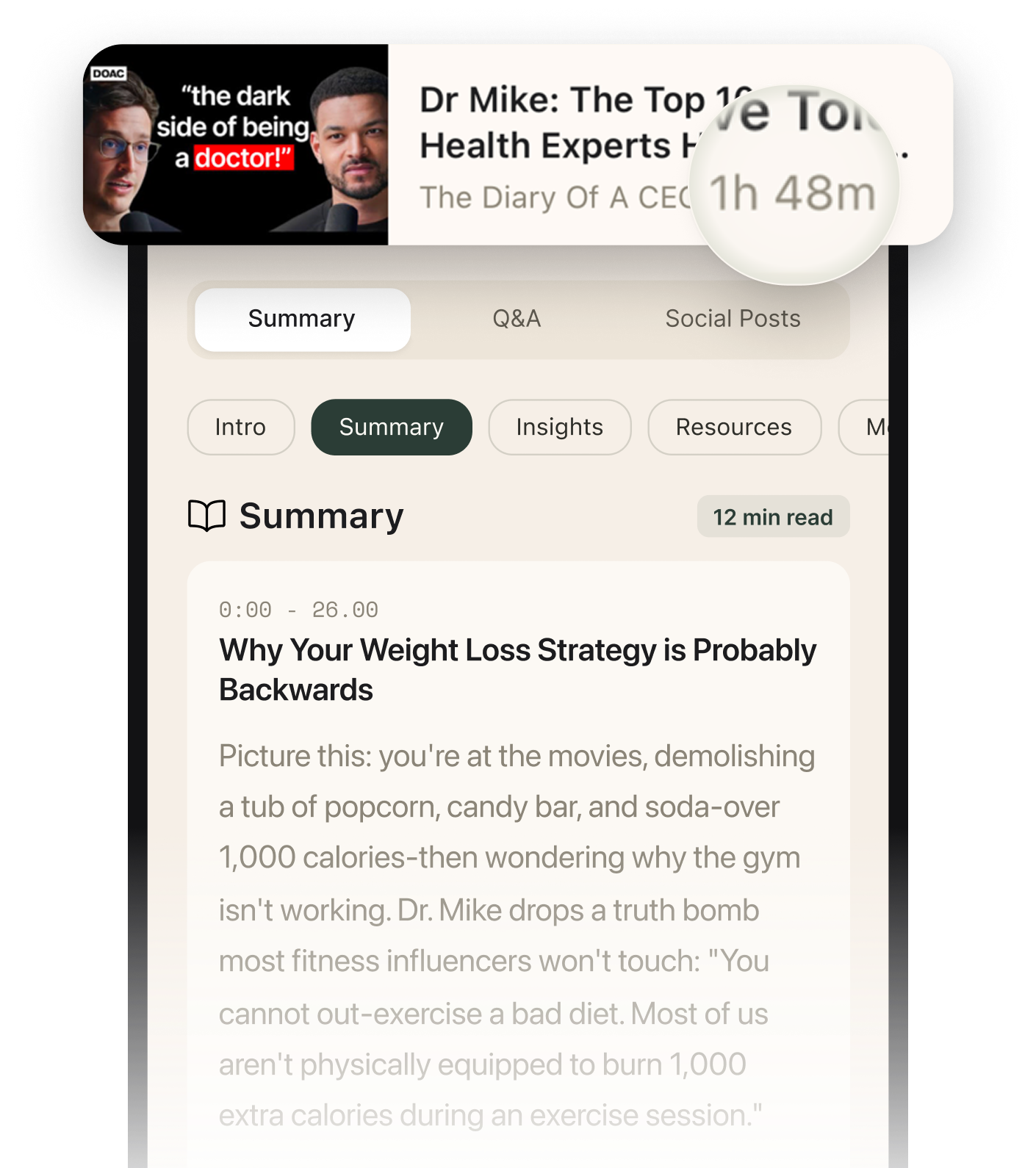
Summarised with Bite · 9 min read
A developer building four major projects simultaneously discovers that the real bottleneck isn't AI coding tools—it's the nightmare of juggling terminals, browsers, and editors across multiple projects. What started as a productivity breakthrough turned into a window-management crisis that reveals a fundamental flaw in how we use computers for parallel development.
0:00 – 4:00
The Productivity Paradox: When Building Everything Becomes Impossible
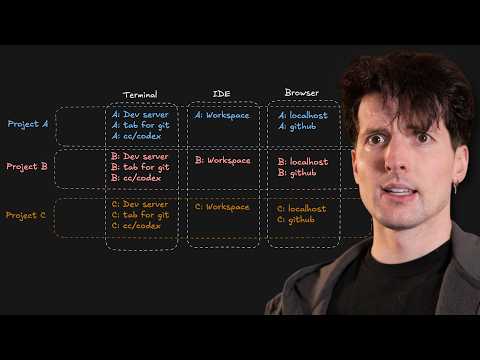
Theo's setup sounds like a developer's dream: four active projects including Lawn (a video review tool to replace Adobe Frames), Shu (a simple OAuth solution), T3 Canvas (an AI image editor for icons and thumbnails), and a Rust-based file syncing CLI. He's contributing to open source, writing Swift applications, and building more than ever before. "I don't think I've ever enjoyed building software as much as I do now," he admits. The agentic coding tools—AI assistants that can run multi-hour tasks autonomously—make this parallel workflow theoretically possible. But here's the catch: those long-running tasks create a new problem. When an agent takes one to two hours to complete a build, sitting idle feels wasteful. So developers naturally spin up second and third projects. The moment you do, though, your mental model shatters. The old workflow—one terminal, one editor, one browser, all conceptually grouped under "the project"—worked because everything aligned. But when you have three projects running simultaneously across different ports, branches, and workspaces, the fragmentation becomes unbearable. A notification dings. Which terminal was that? Which browser tab? You hop between windows, lose context, and by the time you find the right terminal, another task finishes and derails your train of thought entirely. The very tools that enable parallel work also make it impossible to manage.
4 more sections in the app
- 4:00 – 8:15The Desktop Disaster: Why MacOS Window Management Breaks Down
- 8:15 – 15:33The Hidden Localhost Nightmare: When Ports Become Prison
- 15:33 – 18:18Why Background Agents Are Secretly a Workaround
- 18:18 – 18:42The Linux Surprise: A Glimpse of the Solution
Summarised by Bite, an AI YouTube video summarizer that also works as a podcast summarizer.